WTWR Part 3: From Closet App to Live Website

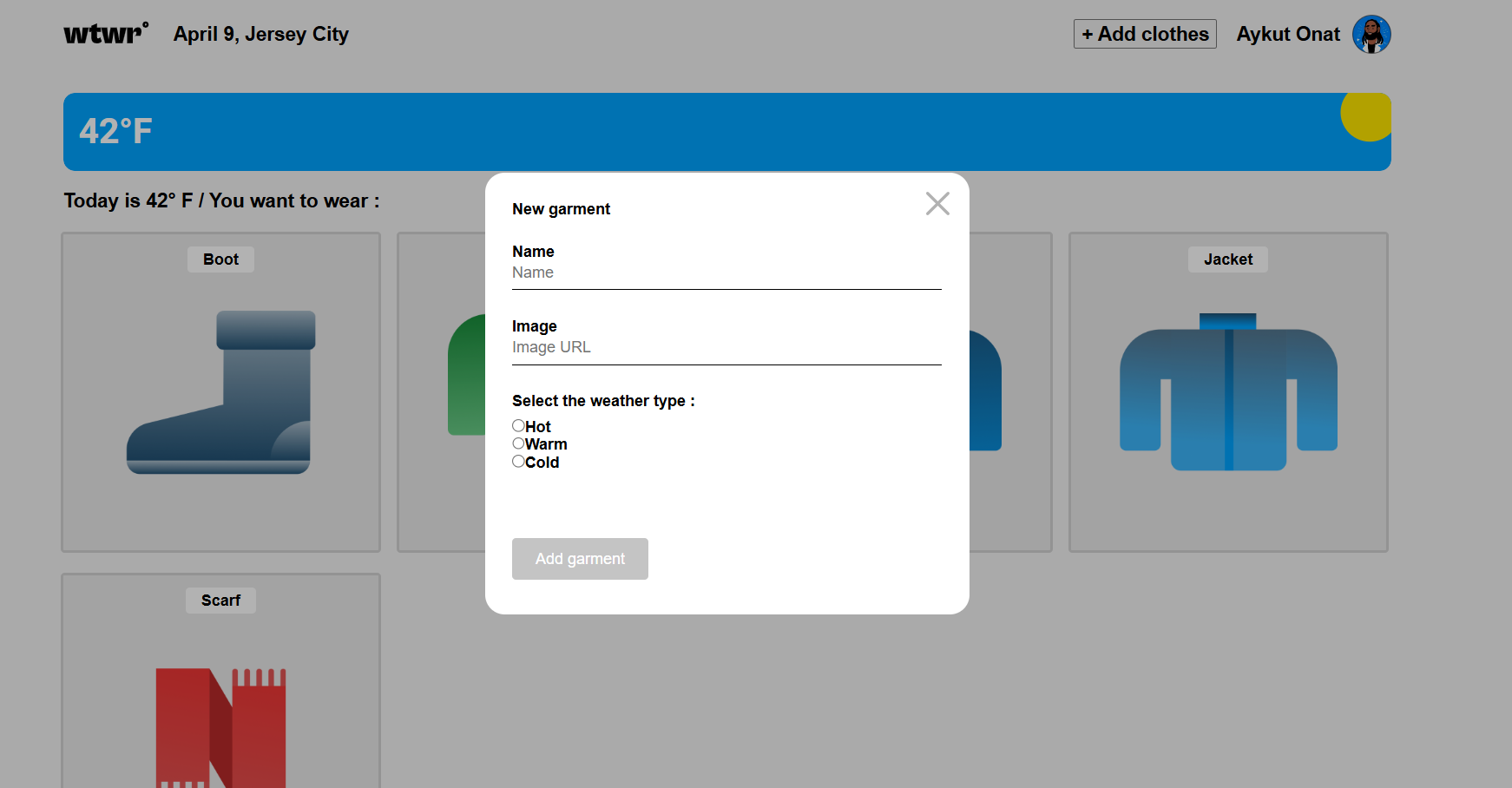
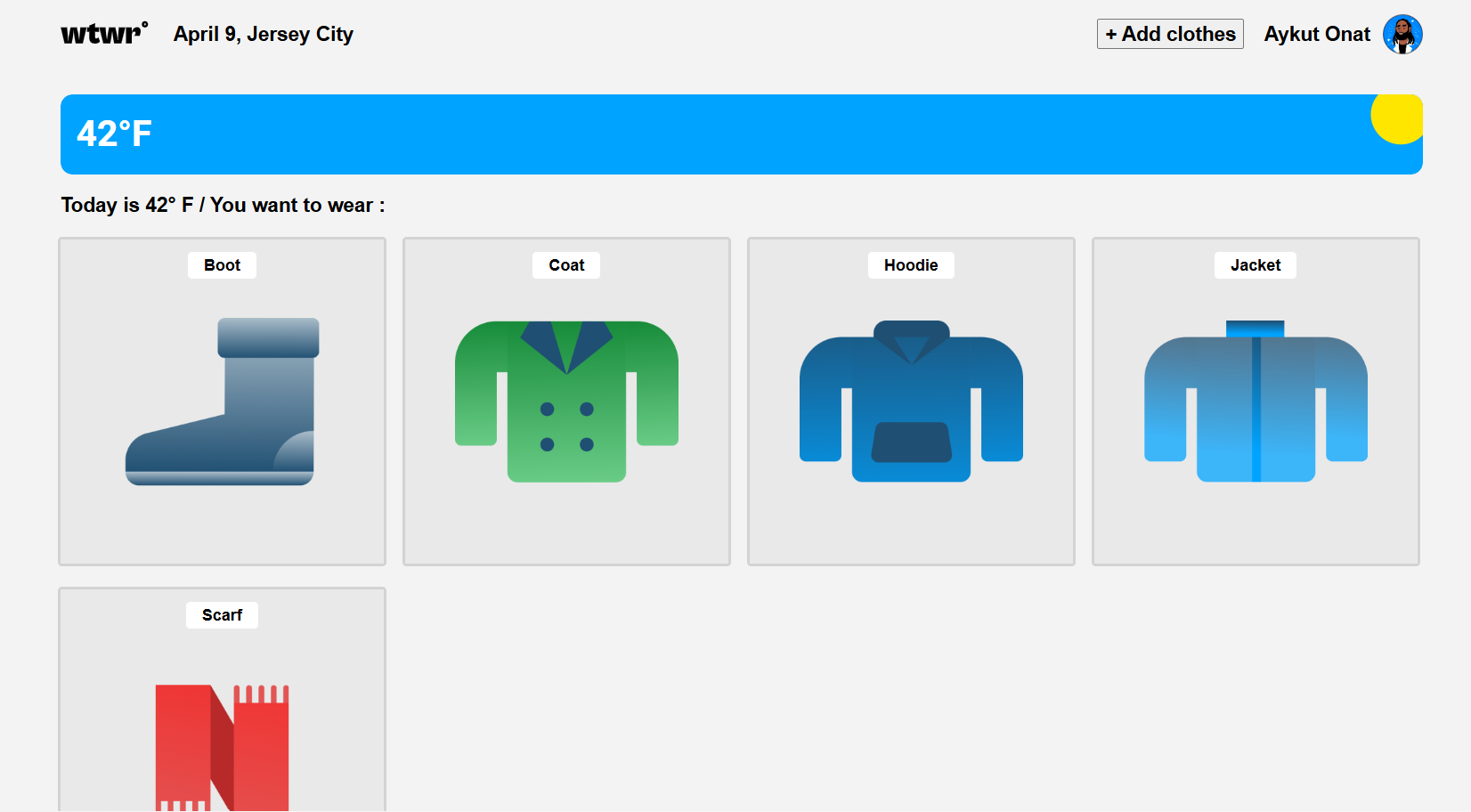
At the end of my last post, I said the next step for WTWR (What to Wear) was the back end, which is the part you don’t see. Until then, the app looked finished but only pretended to work. Every jacket you added disappeared the moment you refreshed the page.
That has changed. WTWR is now a real website. You can sign up, build your own closet, and come back tomorrow to find it still there. Here’s how the last few months went.
The short version, in my own words
I put together a short pitch video that walks through the app and some of the bumps I hit getting it online:
What you can do now
The idea is the same as day one. The app checks the weather where you are and shows you the clothes from your closet that make sense for it. The difference is that the closet is yours now.
- Make an account. Sign up with your name, a photo, an email and a password, and you’re in. The app remembers you, so you don’t have to log in every time you open it.
- Your closet stays saved. Add a hoodie today and it’s still there next week, on any device.
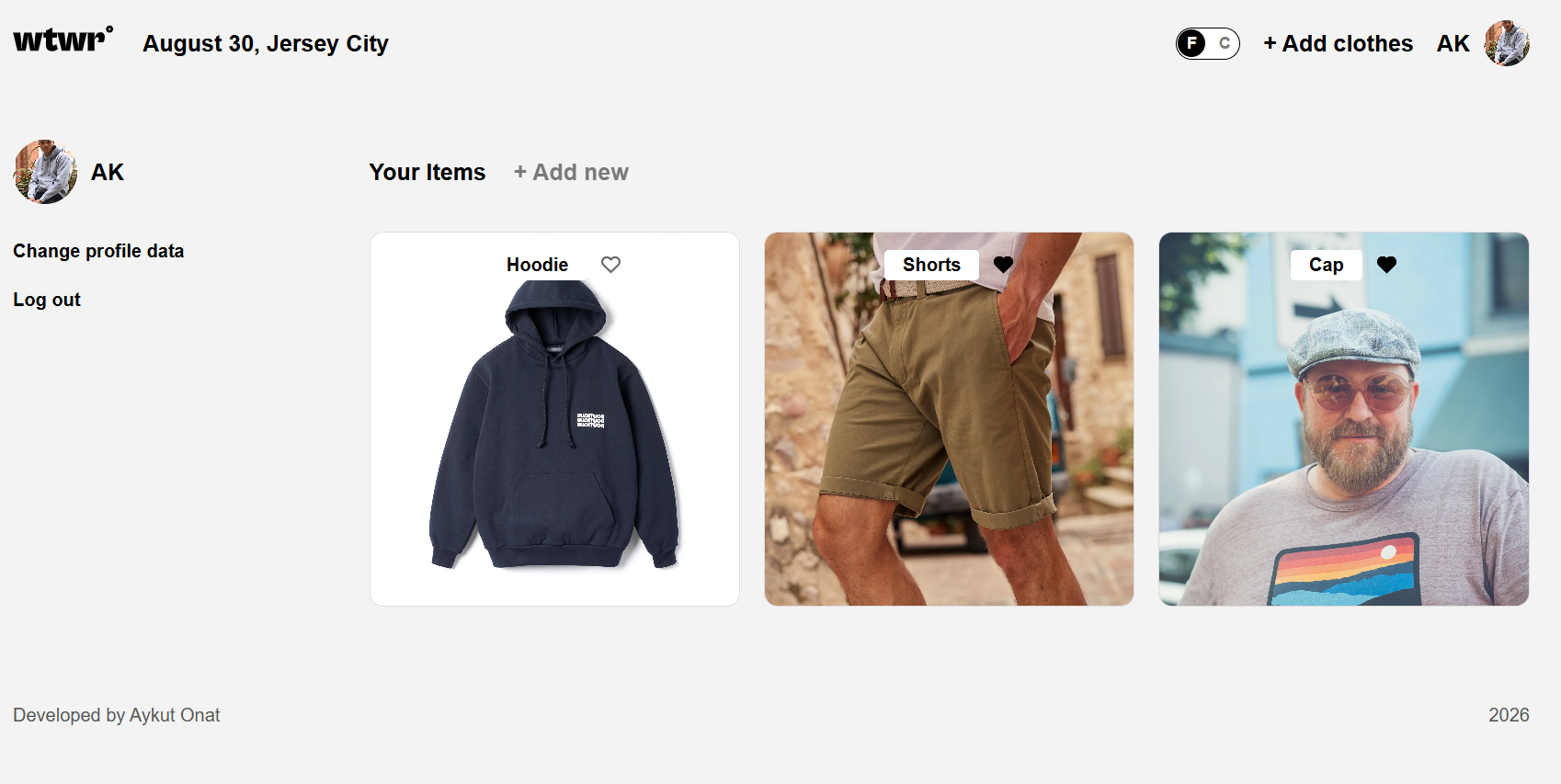
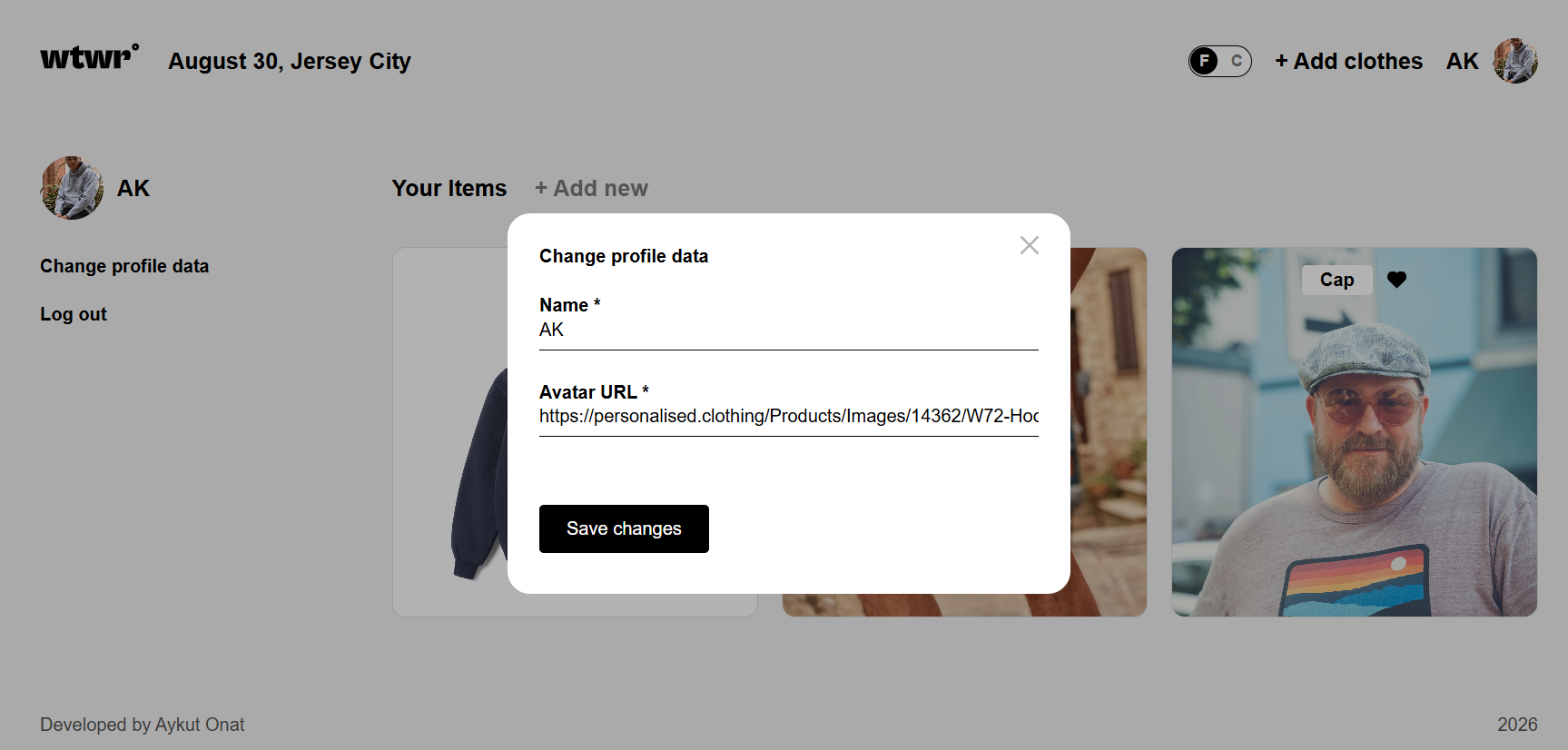
- A page that’s just yours. Your profile shows only your clothes, with your name and photo on the side. You can change your name or photo any time.
- Likes that stick. Tap the heart on an item you love and it stays liked after you refresh.
- Nobody can delete your stuff. You can remove your own items, but not anyone else’s.
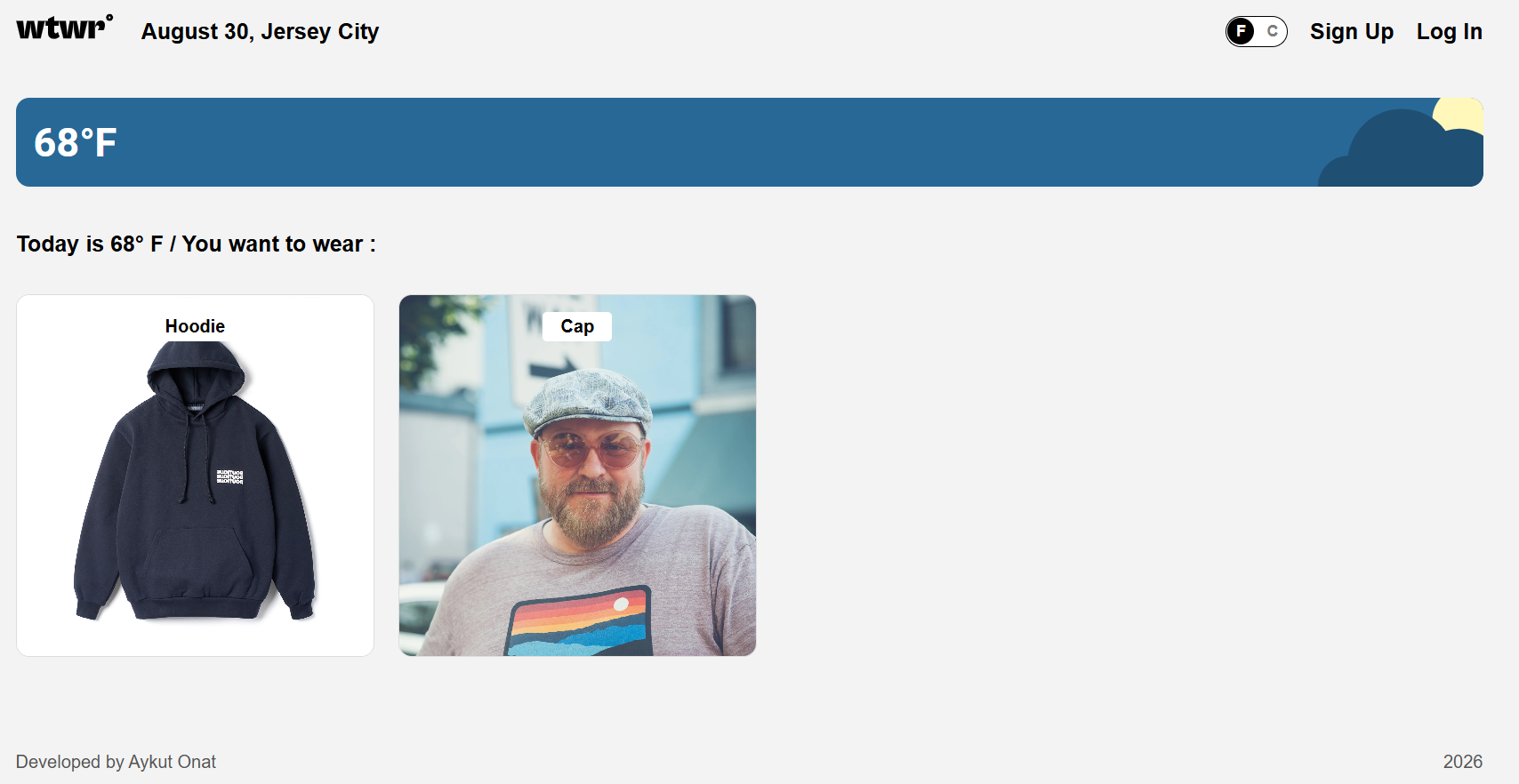
If you’re not logged in, you still see today’s weather and the clothes people have added that suit it. That part is open to everyone.
Building the part you don’t see
Most of the summer went into the server, which is the piece that stores everyone’s accounts and clothes and decides who’s allowed to do what.
A lot of that work is about saying no in a polite way. What happens if someone sends a blank form? Or a link that isn’t really a link? Or tries to delete an item that belongs to someone else? Each of those needs a clear answer instead of a crash. I also added a simple record of everything the server does, so when something goes wrong I can look back and see exactly what happened instead of guessing.
None of this shows up on screen, and that’s kind of the point. When it works, you never think about it.
Putting it online
Getting the app to run on my own laptop was one thing. Getting it to run on the internet, for anyone, was a different kind of puzzle.
I rented a small server on Google Cloud, gave the app its own web address, and set it up with the little padlock in the browser so everything people send, like passwords, travels safely. I also set it up so the server limits how fast any one visitor can send requests, which helps keep it from being flooded.
Then came my favorite mistake of the whole project. The first version I put online looked perfect, but nothing loaded. No clothes, no profile, nothing. It turned out the live website was still trying to talk to the server on my laptop, not the one in the cloud. The bit of code meant to tell “live site” apart from “my computer” didn’t work with the tools I’d built the app with. The fix was one line, and I had it sorted in about half an hour, but it was a good reminder that “it works on my machine” doesn’t count for much.
One more thing I tested on purpose: what happens when the server crashes? I added a hidden page whose only job is to break it, then made sure the server picks itself back up on its own a moment later. Better to find that out on my terms than at 2 a.m.
Looking back
When I started WTWR in April, it was a page of clothing cards that changed with the temperature. Seven months later, it’s a working website with accounts, saved closets and a real server behind it.
The biggest lesson wasn’t any single feature. It was that the gap between “looks done” and “actually works for other people” is huge, and that most of the real work lives in that gap: handling the weird cases, planning for things to break, and checking every step once it’s live.
Try it out
The app is live, so go ahead and make an account and add a few things to your closet:
And if you want to look under the hood, both halves of the project are on GitHub:
- The app you see: github.com/aonattt/se_project_react
- The server behind it: github.com/aonattt/se_project_express